
A WISP is not only a document. It should match how your office handles client data.
Start with the free WISP generator, then use Intaxion to make intake, uploads, missing documents, and review handoff easier to control.
The compliance trigger is real. The workflow is where it gets operational.
Tax offices need a written security program for client data. The practical question is whether the office workflow reflects what the WISP says: how clients send data, where documents land, who reviews them, and how follow-up happens.
Careful compliance wording
Intaxion can support better data-handling workflows, but your office remains responsible for its WISP, policies, training, vendor choices, and legal review.
Client data enters the office
A WISP should not live apart from intake. It should match the way clients send documents and answers.
Documents need a controlled path
Scattered uploads, texts, and attachments make it harder to explain where client data goes.
Follow-up should be traceable
The office should know what was requested, what arrived, and what is still missing before review starts.
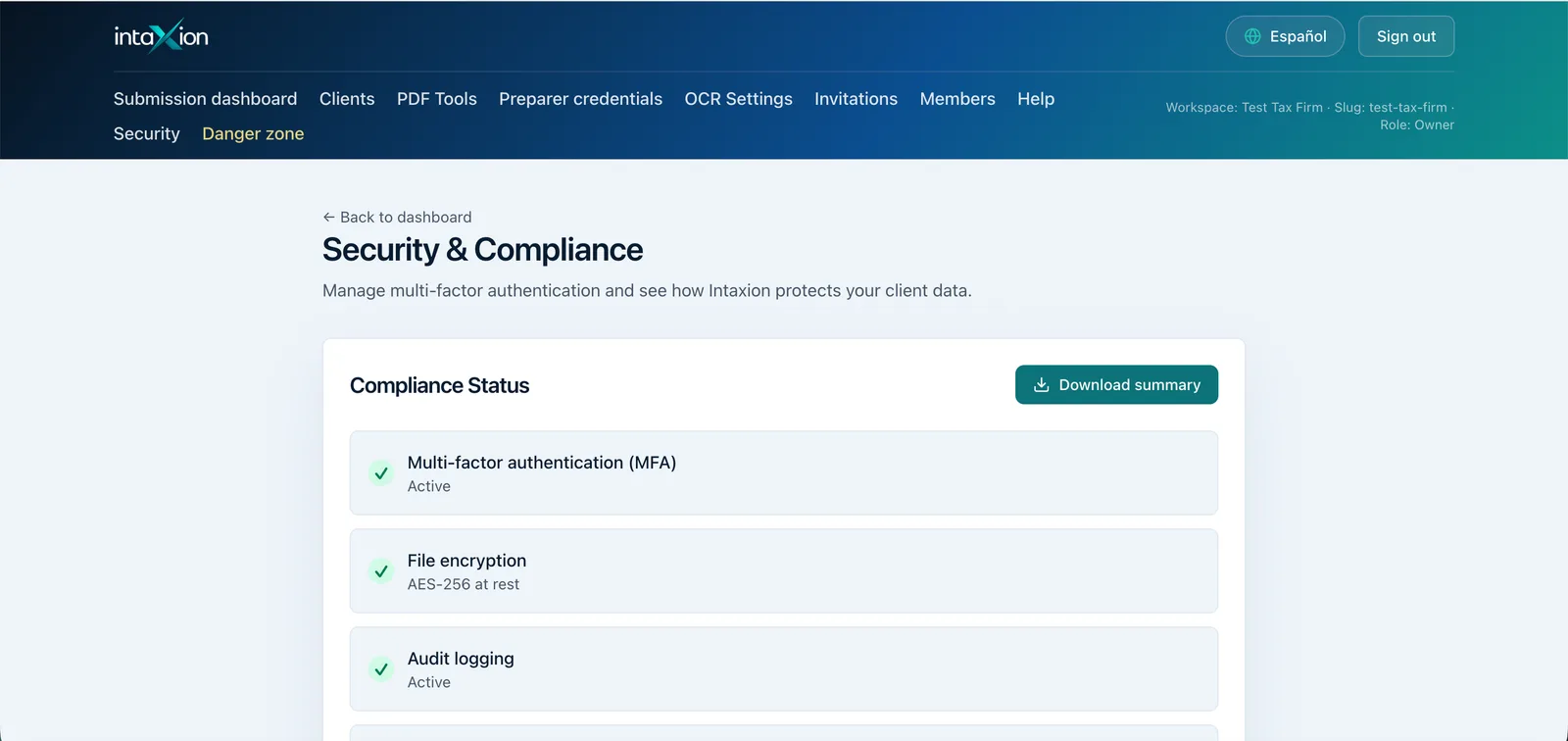
A written plan is easier to explain when the office can point to MFA, role-based access, secure intake, and a controlled document path.
The WISP generator helps you think through the written plan. Intaxion helps align the client intake and document workflow that plan depends on.
Start with the WISP product, then bring the workflow into Founder.
Use the one-time WISP products when the immediate need is the written program and supporting checklists. Use Founder when the office also needs bilingual intake, uploads, missing-item tracking, and review workflow.
WISP Compliance Pack
$99
Templates and checklists for the written program, annual review, vendors, incident response, staff acknowledgment, client-data handling, 7216, and 8867 evidence.
Buy WISP Pack ($99)Done-With-You WISP Setup
$299
The WISP Pack plus a 60-minute setup call, office-specific gap review, action list, and founder-led walkthrough.
Book WISP Setup ($299)Founder Program
$190/year
Bilingual intake, secure upload, missing-document tracking, office review queue, 30-minute onboarding, and 30-day refund window.
Join Founder ProgramWISP products support documentation and review work. They are not legal advice, tax advice, or a compliance guarantee.
From document to workflow.
The WISP page opens the conversation. The Founder Program helps put the workflow into practice.
- Bilingual client intake in one flow
- Document upload inside the client packet
- Missing-document visibility before review
- Founder-guided setup for the first office workflow
Who this is for
- Tax offices that need a written WISP and a cleaner data-handling workflow
- Preparers trying to connect policy, intake, document handling, and review
- Small offices that want WISP support without compliance overpromises
Not for
- Guaranteed WISP compliance
- Legal advice, tax advice, or formal security certification
- Replacing your office's own policies, training, vendor review, or legal review
Answer-ready summary
Intaxion supports WISP work by connecting a starter WISP generator with intake, document upload, missing-item tracking, security review, and office workflow support.
Source note
This page reflects IRS and FTC safeguard themes at a workflow level plus Intaxion product scope. It is not legal advice, tax advice, certification, or a compliance guarantee.
Related workflows
Next step based on the workflow you want to clean up
These routes connect intake, documents, WISP, notices, due diligence, and cost control without sending client data into public tools.
Security and data handling
Check the public security boundary before using client workflows.
Open workflowFAQ
Does Intaxion guarantee WISP compliance?
No. Intaxion provides workflow support and a generator, but the office is responsible for its own written program and professional review.
Why connect WISP to intake?
Because client data starts at intake. A written plan is easier to maintain when the intake and document process is clear.
What should a small office do first?
Start with the WISP generator, then book a short Founder Program call if the document workflow needs to be cleaned up.