
Security and data handling
Security and data handling for tax offices
Intaxion is built for sensitive intake and document workflows. It helps organize access, files, review, and evidence, but it does not make your office compliant by itself.
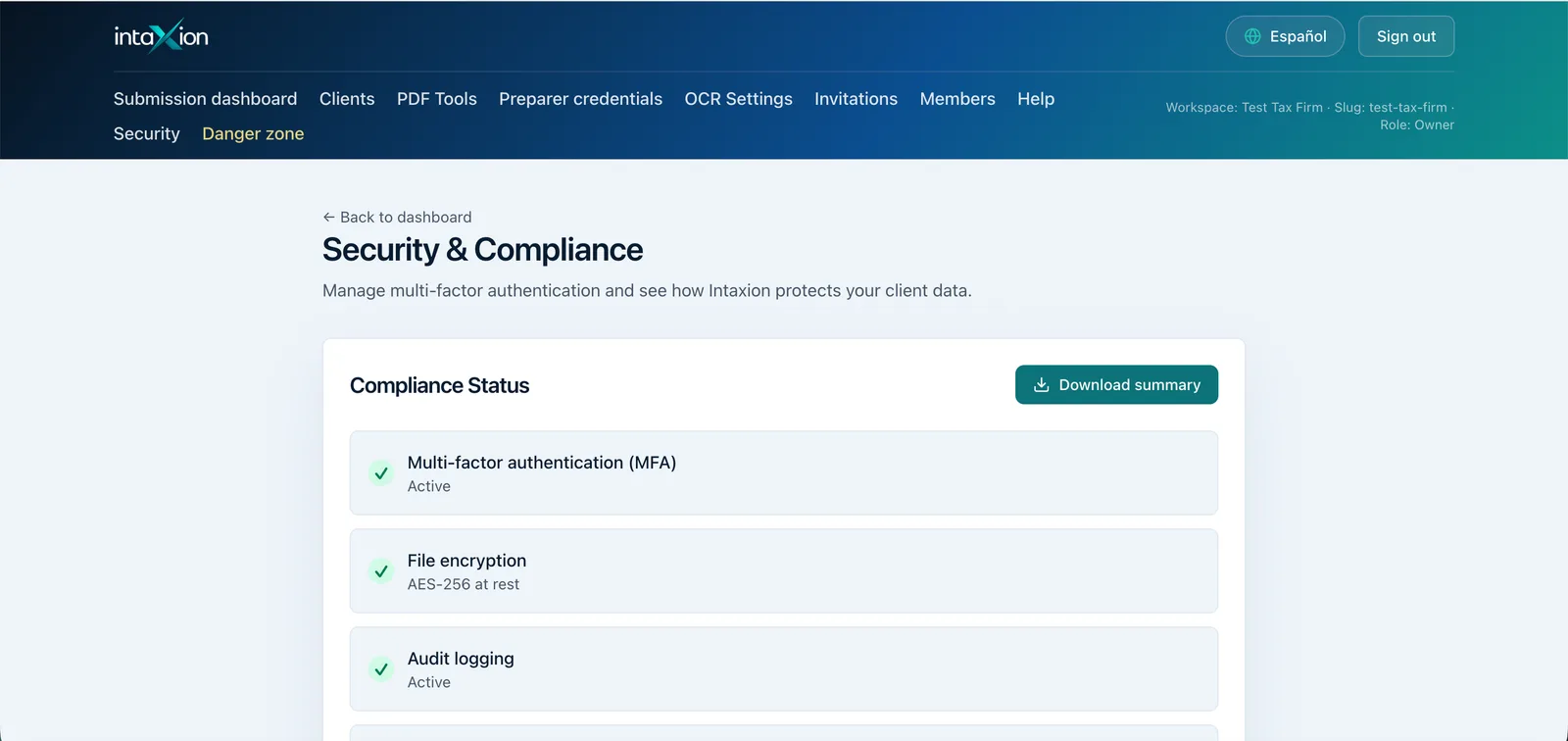
Controls built into the product
Secure sign-in expectations
Office access is designed around authenticated users and an extra verification step before entering the workspace.
Server-side access boundaries
Client files and answers are handled through product routes and storage controls, not public marketing forms.
Traceable office work
Important actions are designed to leave reviewable records so the office can see who did what and when.
Data boundaries
Do not put taxpayer data into the free tools. Marketing tools are for estimates, checklists, and scripts. Client documents belong in the signed-in Intaxion app.
What remains your office's responsibility
- - Your written information security plan and annual review.
- - Office-device protection, passwords, staff training, and access discipline.
- - Vendor review, insurance, retention rules, and legal or tax-advice decisions.
- - Choosing what client information to collect and how long to keep it.
WISP
How Intaxion supports WISP review
Intaxion supports WISP and office review work by keeping intake, files, missing items, consent wording, and preparer review closer together. It is software support, not a compliance guarantee.
Open WISP generatorReview the workflow before you bring in clients.
Founder offices can walk through intake, document handling, missing items, and security expectations before rolling it out broadly.